Date : 2023
Subject : Video shooting and editing
University Project – Montreal
Challenge :
This page brings together several video projects I had the opportunity to work on during my semester of study in Montreal. The first one is a documentary filmed during the Cinemania festival, the second one is a short fiction video, and the last one is a stop-motion video.
Date : 2023
Subject : Video shooting and editing
University Project – Montreal
Challenge :
This page brings together several video projects I had the opportunity to work on during my semester of study in Montreal. The first one is a documentary filmed during the Cinemania festival, the second one is a short fiction video, and the last one is a stop-motion video.
Challenge : Create a video that allows sharing an event with those who couldn’t be present, or as a ‘memory’ for others.
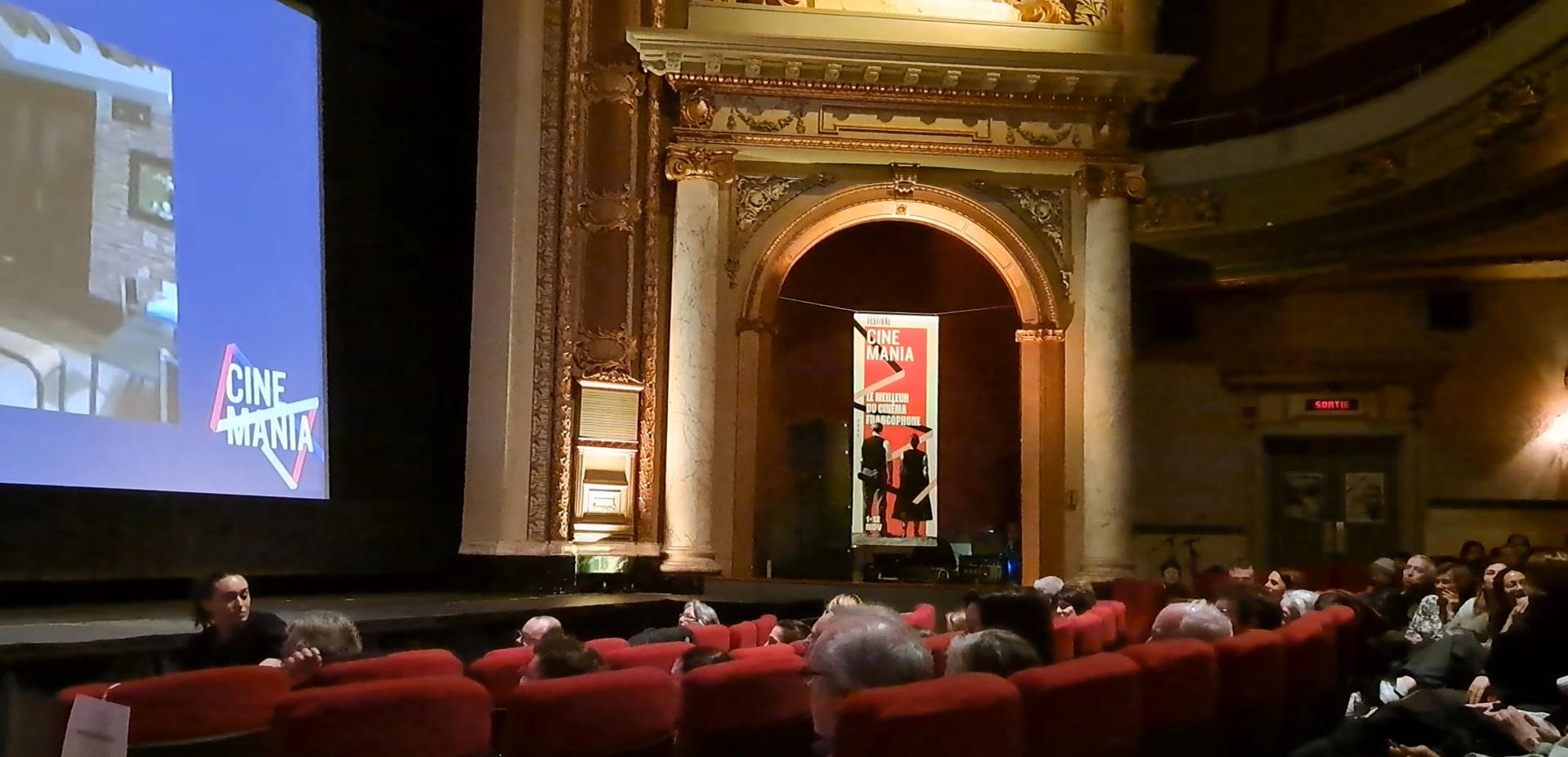
To take up this challenge, I wanted to capture the atmosphere during the screenings and throughout the festival, while also including the opinions of a few people. I filmed several ambient shots, paying close attention to the emotions of the peoples and what they were doing before the film started. Then, I filmed 3 interviews at the end of a screenings. Finally, I added some shots of the cinemas where the festival took place, and some shots of ‘memorable’ events, such as the presence of directors or actors.
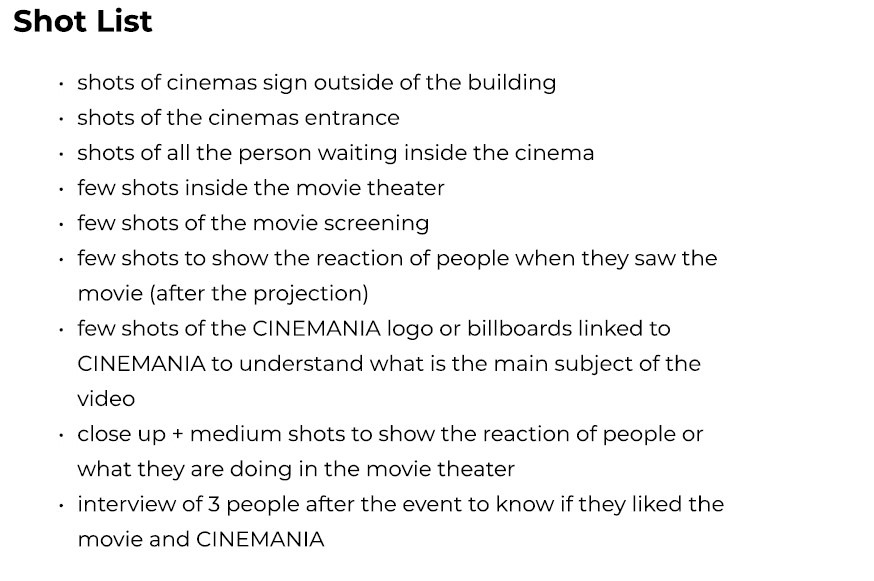
Before shooting my video, I made a list of all the shots I wanted to include.
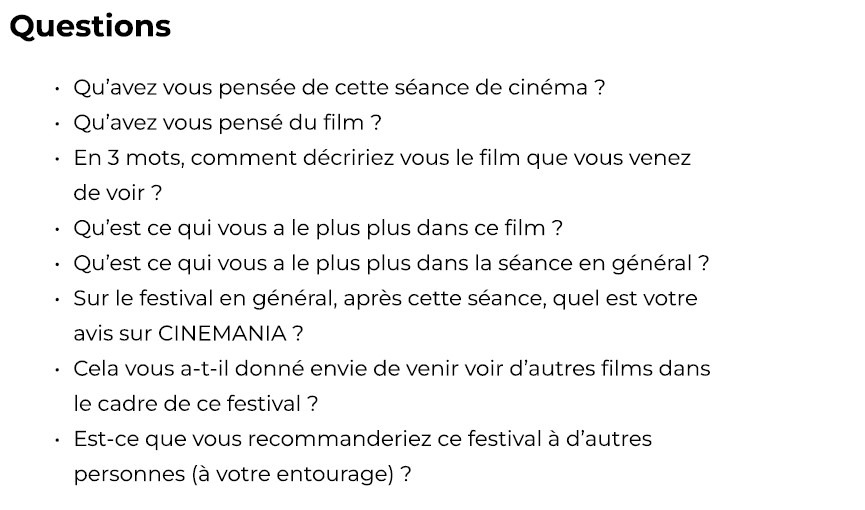
To shoot this video, I brought my camera with me each time I went to a festival screening. For the interviews, I prepared a list of questions related to the festival and then interviewed 3 people at a screening.
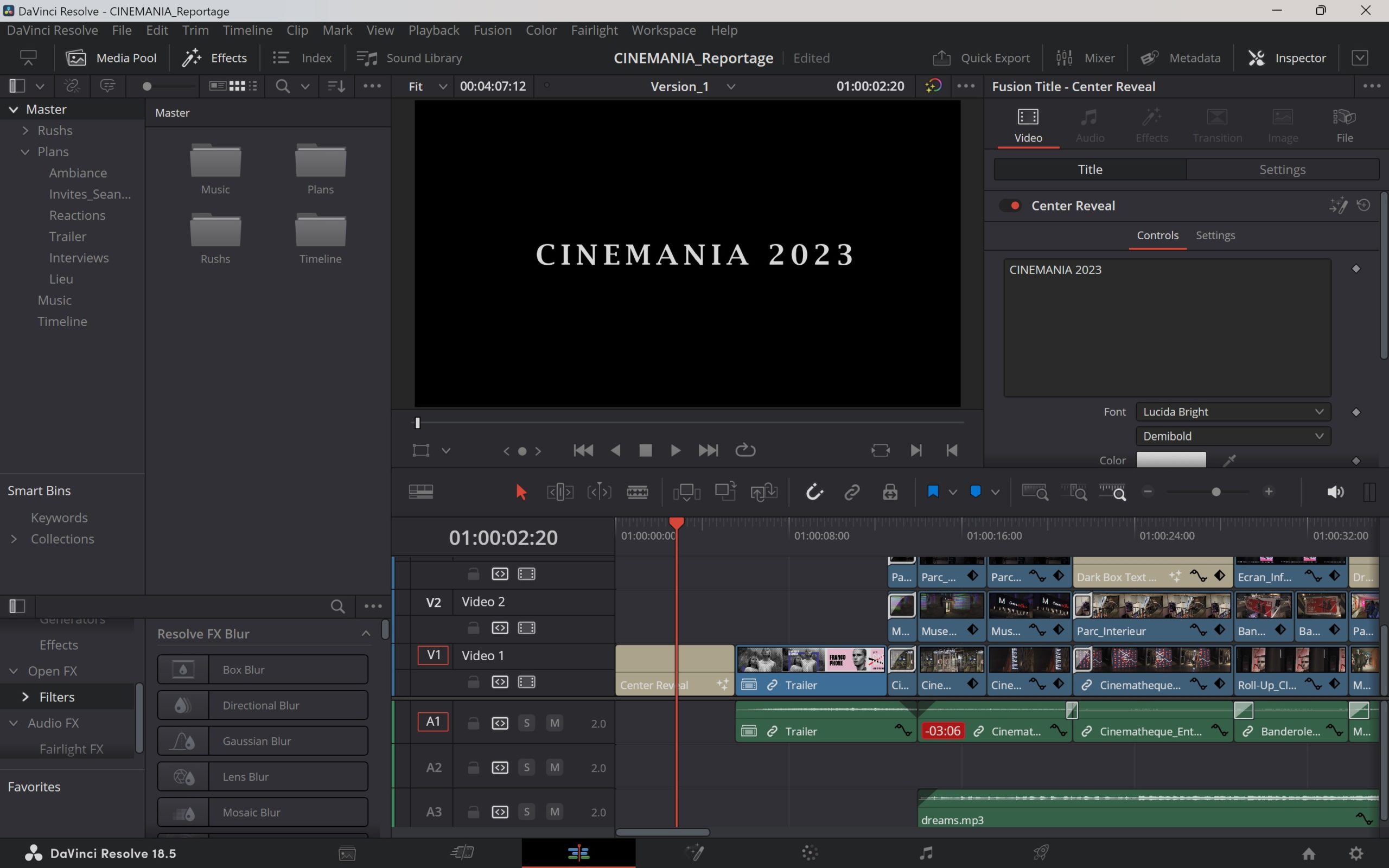
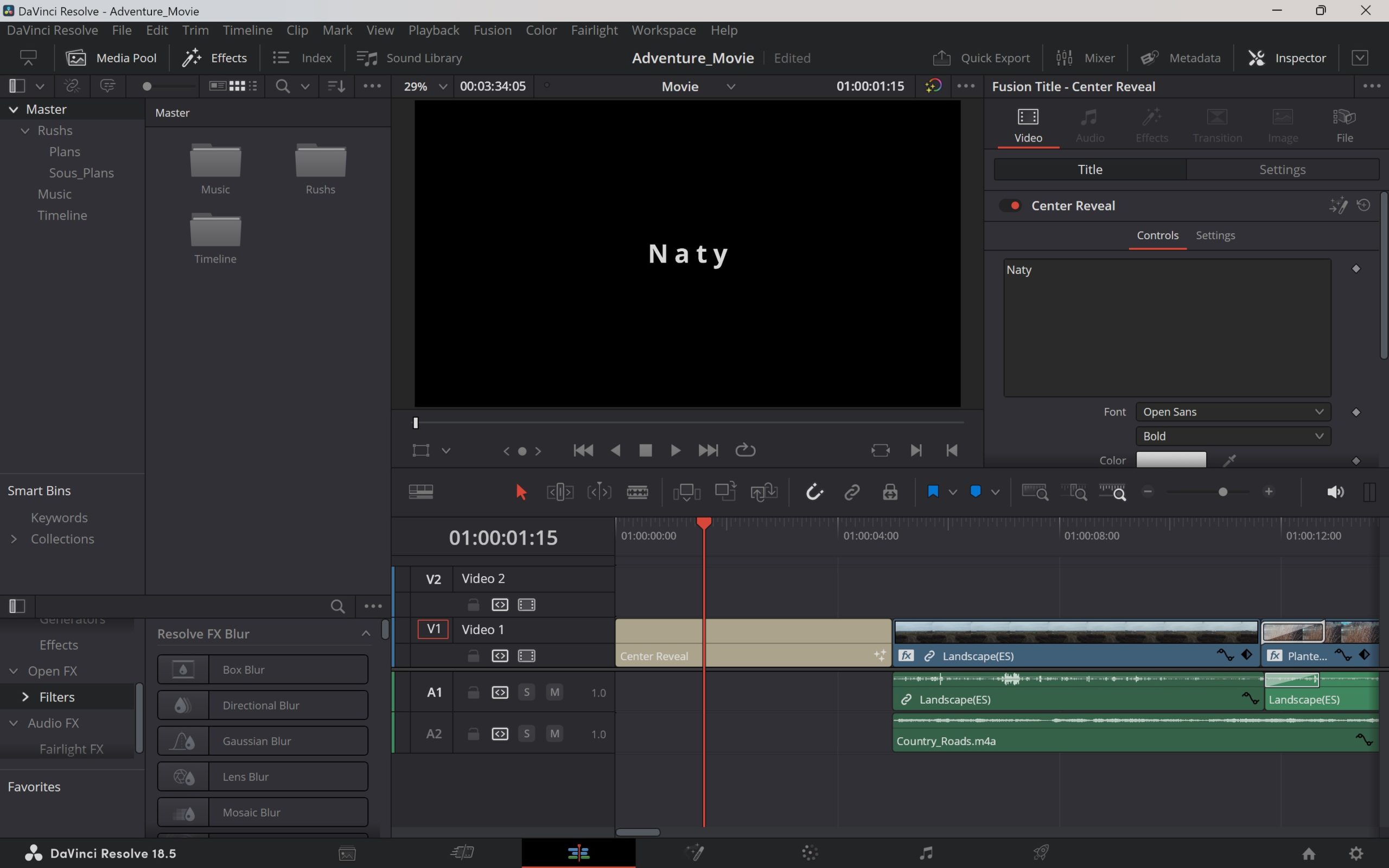
To edit my video, I used Davinci Resolve editing software. To keep the report coherent, I alternated between ambient shots and interviews. Additionally, I tried to match the ambiance shots with the themes discussed in the interviews.
Challenge : Create a short video based on a pre-selected film genre.
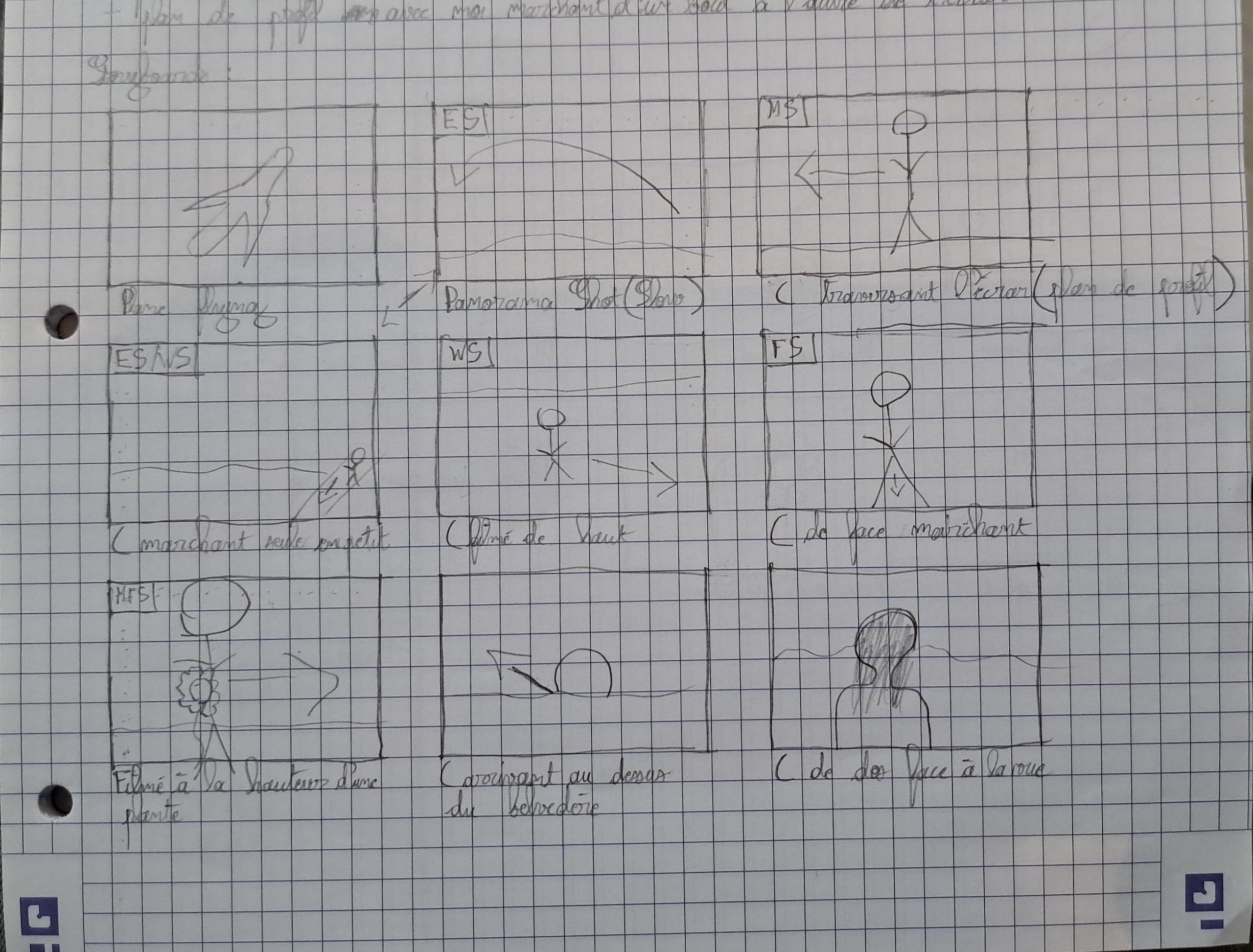
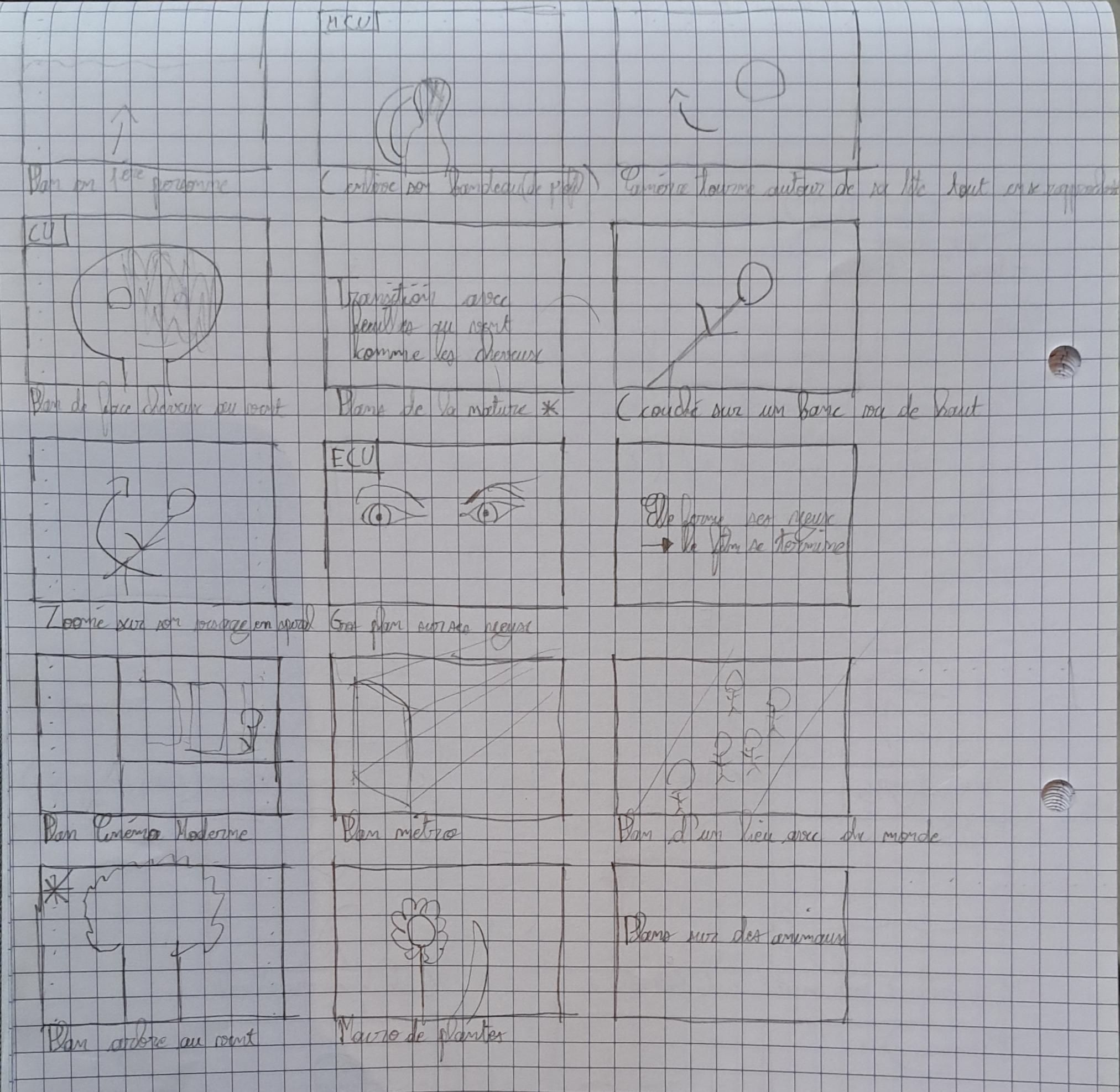
I chose to create a video in the adventure genre. My goal was to contrast the joyful essence of nature with the stressful atmosphere of the city. To achieve this, I shooted a sequence of shots featuring a woman walking in nature with a cheerful soundtrack backtrop. Then, I filmed several shots of the same woman, but this time in the city, with ambient sound and a black-and-white filter. To emphasize this confrontation, I alternated between shots in nature and shots in the city throughout the video.
Before filming, I made a storyboard to visualize my story and the different shots I wanted.
The editing process was particularly interesting, because it allowed me to work as if I were creating a real movie. First, I put all my shots side by side in the order I had imagined in my storyboards. Then, I applied a special effect to the nature scenes to accentuate the contrast and vibrancy of the colors. I chose a background track that matched the cheerful mood I wanted to convey in the nature shots. Finally, I focused on enhancing the ambient sound for the city scenes.
Challenge : Create a stop-motion video with a cinematic aspect. The video had to tell a small story with a beginning, a middle, and an end.
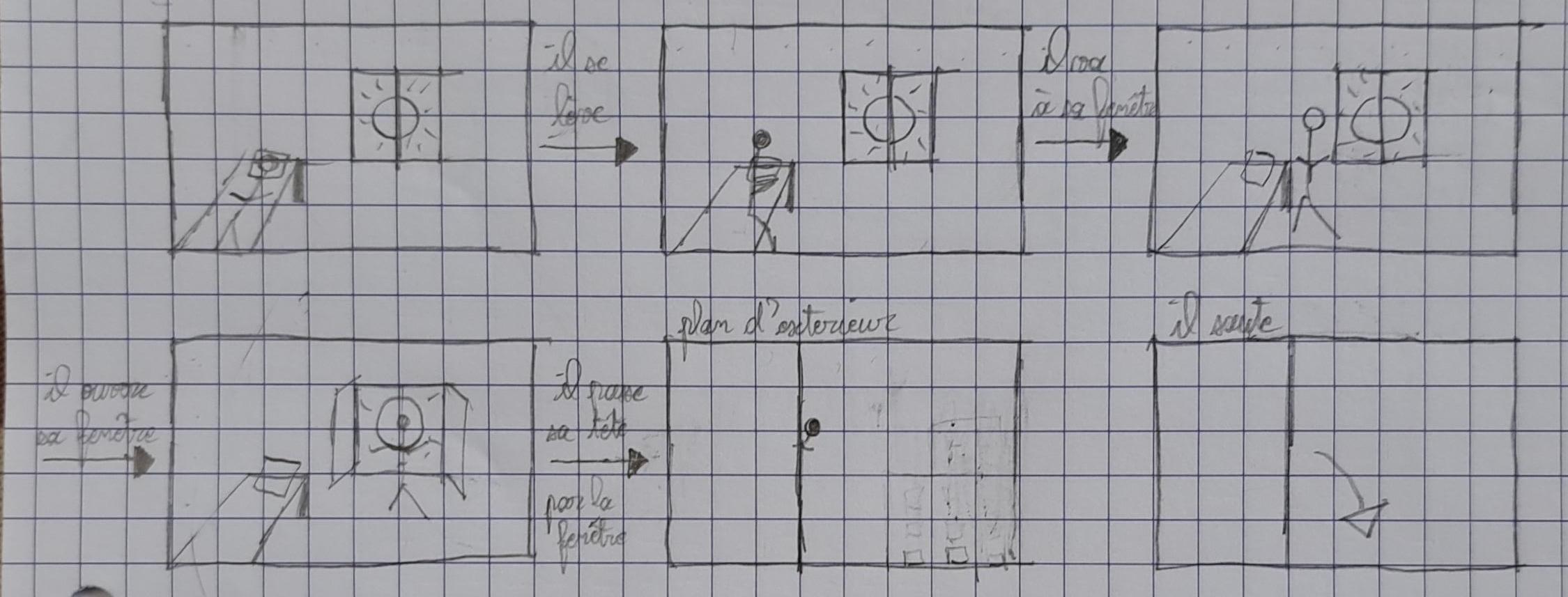
To take up this challenge, I chose to tell a very short and simple story with only two characters. To create a beginning, a middle, and an end in a very short time, I used time jumps with text appearing between each sequence to indicate its duration. I also carefully selected the background music to convey a specific emotion for each sequence. Finally, I added subtitles to make my characters seem like they are speaking with each other.
Before shooting my video, I made a storyboard to visualize my story and the different shots I wanted.
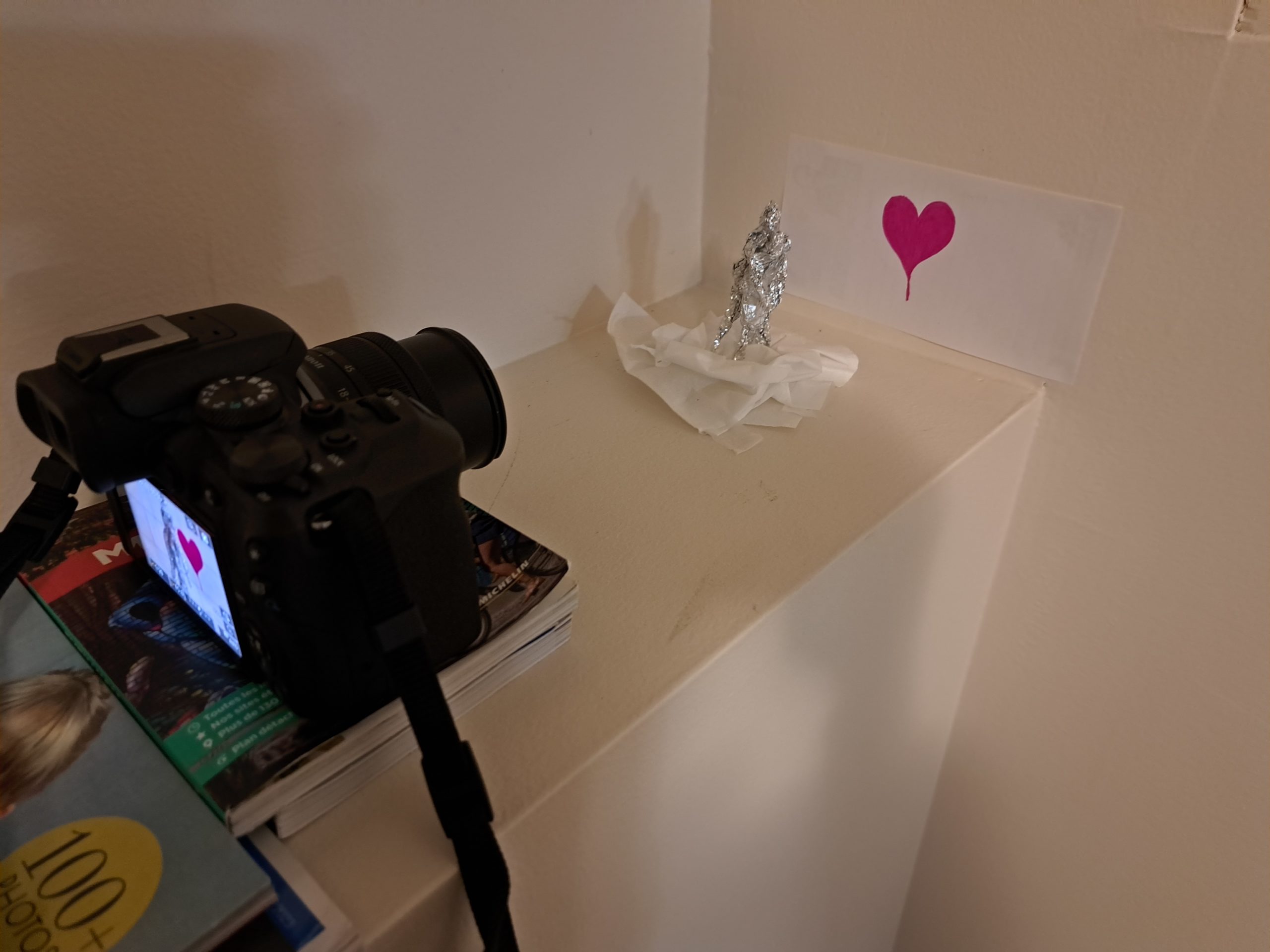
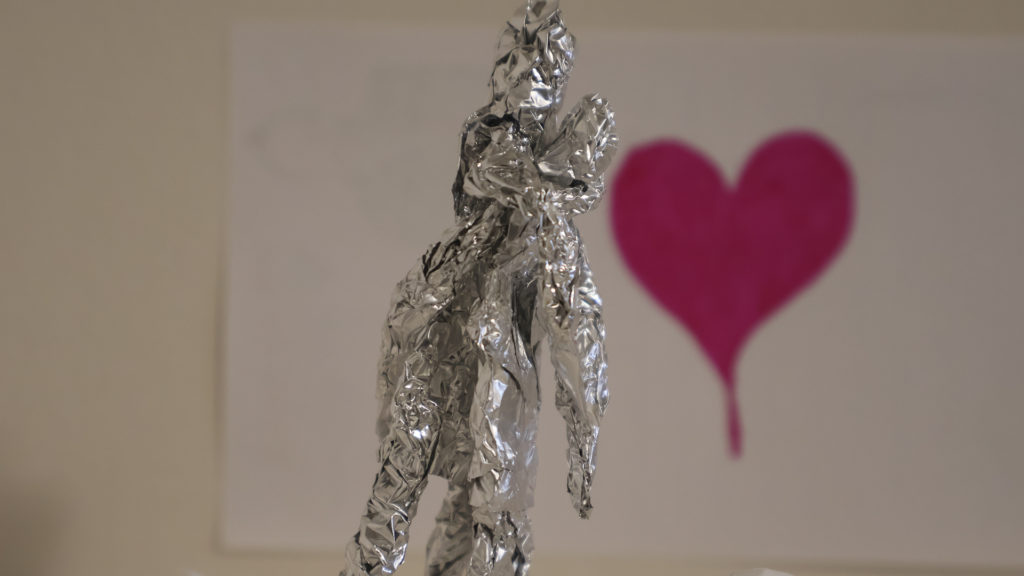
To shoot the video, I first crafted the main characters using aluminum foil. Then, I used various everyday items like paper and tissues to create the set. Once everything was ready, I put my camera on a fixed spot, making sure that the frame and lighting were correct. Then I took several photos, with a few small changes each time to create the effect of movement.
To edit the video, I used DaVinci Resolve editing software, and specifically its sequence option. The method was straightforward: I renamed all my photos with a number corresponding to the place they would have in the video, then imported all my photos into the software as a sequence of images. Davinci Resolve automatically set the duration of each photo to ensure fluid movement, thus creating a video sequence. Finally, I adjusted the duration of each sequence to match exactly what I had envisioned.